 SulitFinds
Budget Tech Accessories for Daily Commutes in the Philippines
A practical commute-tech checklist for Filipinos, with battery planning, carry workflows, and three affordable accessories.
Written by SulitFinds Editorial Team
We prioritize practical local context and reader-first recommendations. See how we research and review content.
Commute disruptions usually come from small preventable failures: low battery, cable chaos, and poor bag organization. A compact tech kit can eliminate most of this friction if it is built around your actual route and usage.
This guide helps you design a realistic commute-tech setup for school and work days.
Step 1: Define your commute profile
Before buying accessories, estimate your daily usage pattern.
- One-way commute time
- Typical screen-on activities (maps, video, chat, calls)
- Charging opportunities during day
- Bag size and carry comfort constraints
A 45-minute commute and a 3-hour multi-transfer commute need very different power plans.
Step 2: Build a battery budget
Use this simple estimate:
- Expected battery drain = heavy-app use + standby + brightness load
If your phone often drops below 30% before noon, treat backup power as mandatory, not optional.
Quick battery risk levels
- Low risk: arrives home with 40%+ daily
- Medium risk: often drops below 25%
- High risk: frequent emergency charging needs
Choose accessories based on your risk level, not just product price.
Step 3: Design your carry workflow
A good setup uses fixed item locations.
Recommended layout
- Quick-access pocket: primary power source
- Internal organizer: cables and adapters
- Deep pocket: secondary low-priority accessories
When locations are fixed, you can charge quickly in crowded terminals.
Step 4: Prepare for local conditions
Philippine commuting adds weather and crowd stress.
- Use inner pouches for moisture-prone days
- Keep connectors protected from dirt and humidity
- Avoid exposing power banks to high heat for long periods
Protective habits matter as much as accessory quality.
Three practical picks
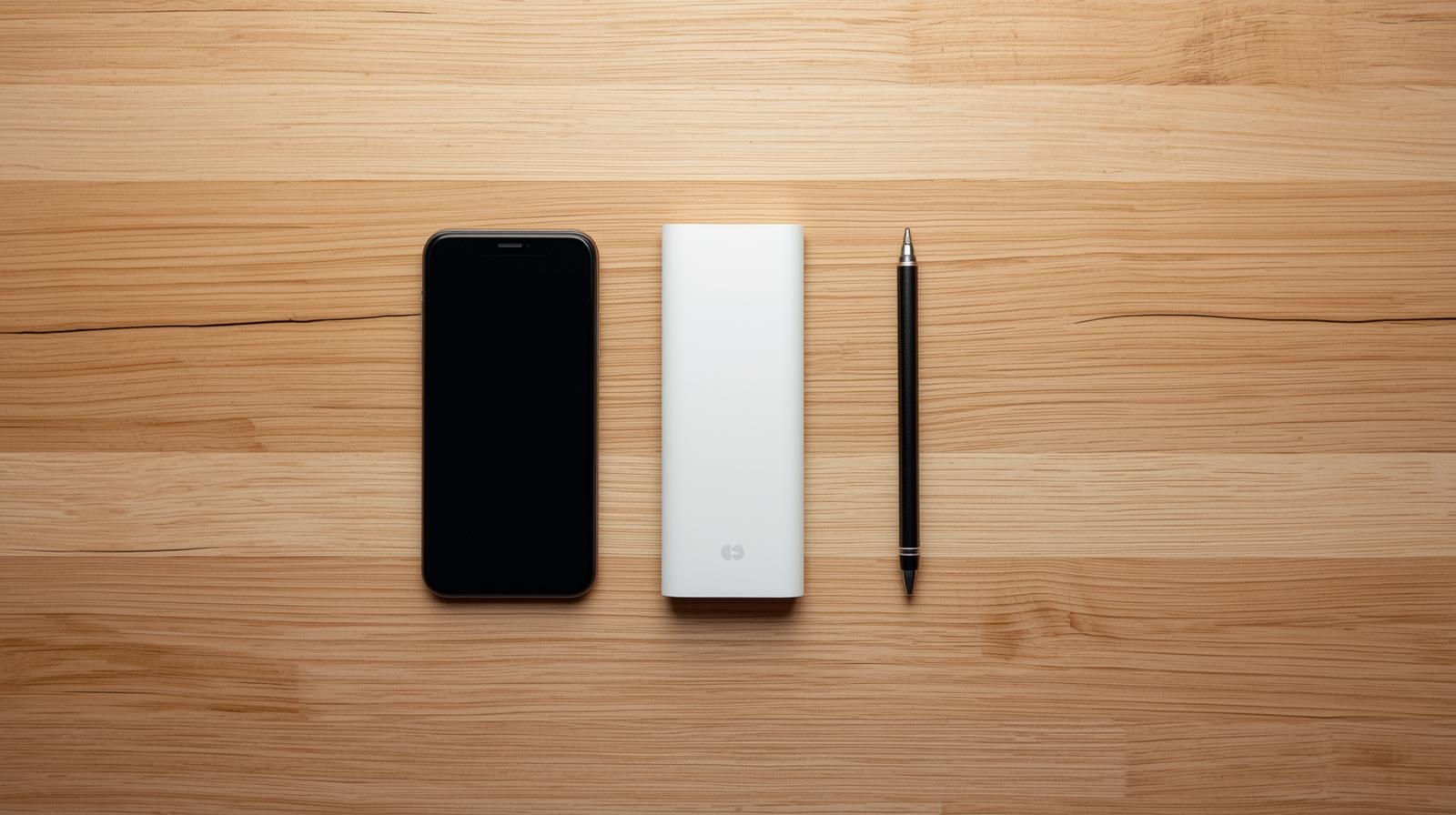
1) Daily backup power foundation
Why it made the shortlist:
- Practical capacity for full workday commuting.
- Slim design improves carry comfort.
- Good default option for high daily phone use.
Check before checkout:
- Charging speed output compatibility.
- Long-term reliability reports from recent buyers.
2) Compact emergency reserve
Why it made the shortlist:
- Very compact backup for minimal-carry days.
- Useful when you forget your main charger.
- Good emergency top-up option.
Check before checkout:
- Port compatibility with your phone.
- Realistic runtime expectations for your battery size.
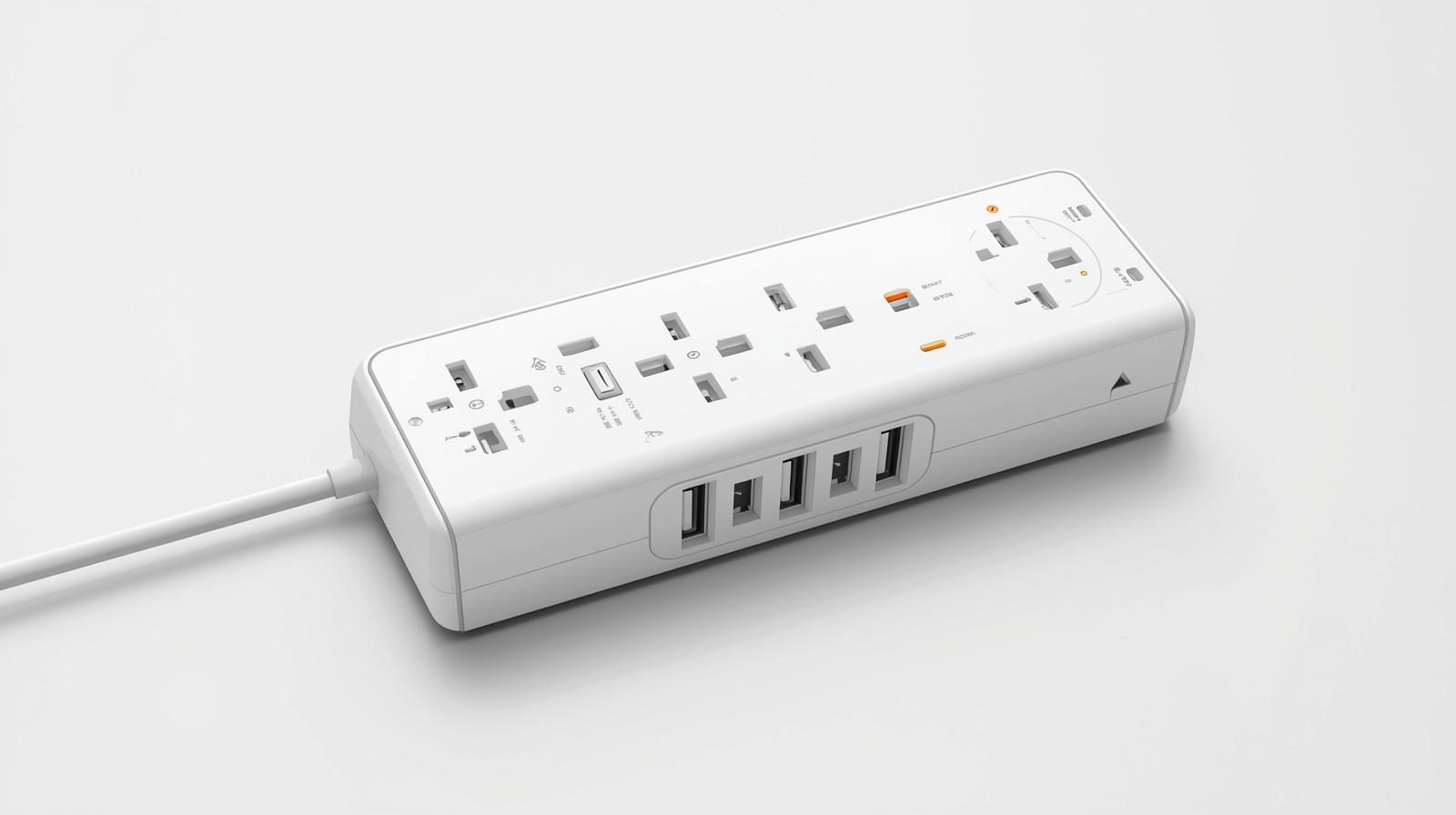
3) Cable and adapter control layer
Why it made the shortlist:
- Keeps cables and adapters sorted and protected.
- Reduces connector wear from loose storage.
- Speeds up access in transit and office/school settings.
Check before checkout:
- Compartment layout vs your cable count.
- Zipper and seam durability.
Commute packing SOP (standard operating process)
Use this repeatable order each morning:
- Confirm power bank charge level
- Place main cable in organizer top slot
- Pack backup cable and small adapter
- Quick test: phone charge starts properly
This 2-minute process prevents mid-day charging failures.
Weekly maintenance for tech kit
- Wipe connectors with dry cloth
- Check cable bends and sheath damage
- Recharge power bank fully once per week
- Remove unused accessories from kit
Maintenance prevents sudden failures during critical travel times.
Cost control strategy
Avoid gadget sprawl.
- Buy one primary and one secondary power solution
- Replace weak cables before buying new accessories
- Upgrade only when a repeated problem is confirmed
If an item does not solve weekly friction, skip it.
Common mistakes to avoid
- Buying large-capacity units that are too heavy to carry daily
- Relying on one cable with no backup
- Storing all tech loose in one bag pocket
- Ignoring heat exposure during travel
A lighter, reliable setup outperforms a bulky inconsistent one.
Scenario examples
Student commuter
Needs: medium battery support, low weight, low cost
Suggested approach:
- Primary power bank + one cable + organizer pouch
Field worker or frequent traveler
Needs: higher battery reliability, more accessory readiness
Suggested approach:
- Primary and backup power options + organized cable kit
Route-based packing templates
Use your actual route to decide what to carry instead of copying generic "EDC" lists.
Short commute (under 45 minutes each way)
- One compact power source
- One reliable main cable
- Small pouch or inner pocket for cable protection
Goal: solve low-battery risk with minimum added weight.
Medium commute (45 to 90 minutes each way)
- Main power bank + backup short cable
- Basic organizer for cable and adapter
- Moisture protection (zip pouch) during rainy season
Goal: reduce disruptions during transfers and waiting periods.
Long or unpredictable commute (90+ minutes, multi-transfer)
- Main power bank + compact reserve option
- Two cables (primary + backup)
- Organized kit that can be accessed quickly while standing
Goal: maintain phone uptime even when delays stack up.
Rainy-season protection checklist
Electronics fail faster when exposed to moisture and dirt during monsoon months.
- Keep cables inside a sealed inner pouch.
- Dry bag interiors before storing power accessories again.
- Wipe connectors before plugging in after rain exposure.
- Avoid charging while the cable port area is visibly wet.
- Store power banks away from umbrella sleeves and damp clothes.
A P50 pouch can prevent a much more expensive replacement.
Build an emergency fallback plan
A good commute kit includes behavior rules, not just products.
- Keep your phone above 35% before leaving work or school.
- Download key maps and transport info offline when possible.
- Carry one short emergency charging cable in a separate pocket.
- Set low-power mode earlier on heavy days, not at 10%.
The best accessory setup is the one that prevents panic, not just one that looks complete.
FAQ
Should I carry one or two power sources?
Heavy users may benefit from one primary plus one compact backup.
Is 3000mAh enough for daily use?
Usually no for heavy usage. It works best as emergency support.
Is a tech organizer necessary?
If you carry multiple cables or adapters, yes. It improves speed and reduces wear.
What is the most important first purchase?
The item that solves your most frequent commute failure, usually reliable backup power.
Affiliate disclosure: Some links may be affiliate links. SulitFinds may earn a commission from qualifying purchases.
Links may lead to Shopee or TikTok Shop listings. Always review seller ratings, product details, and return policies before buying. Purchases are your responsibility. See Disclaimer.