 SulitFinds
Budget Power and Charging Solutions for Work From Home in the Philippines
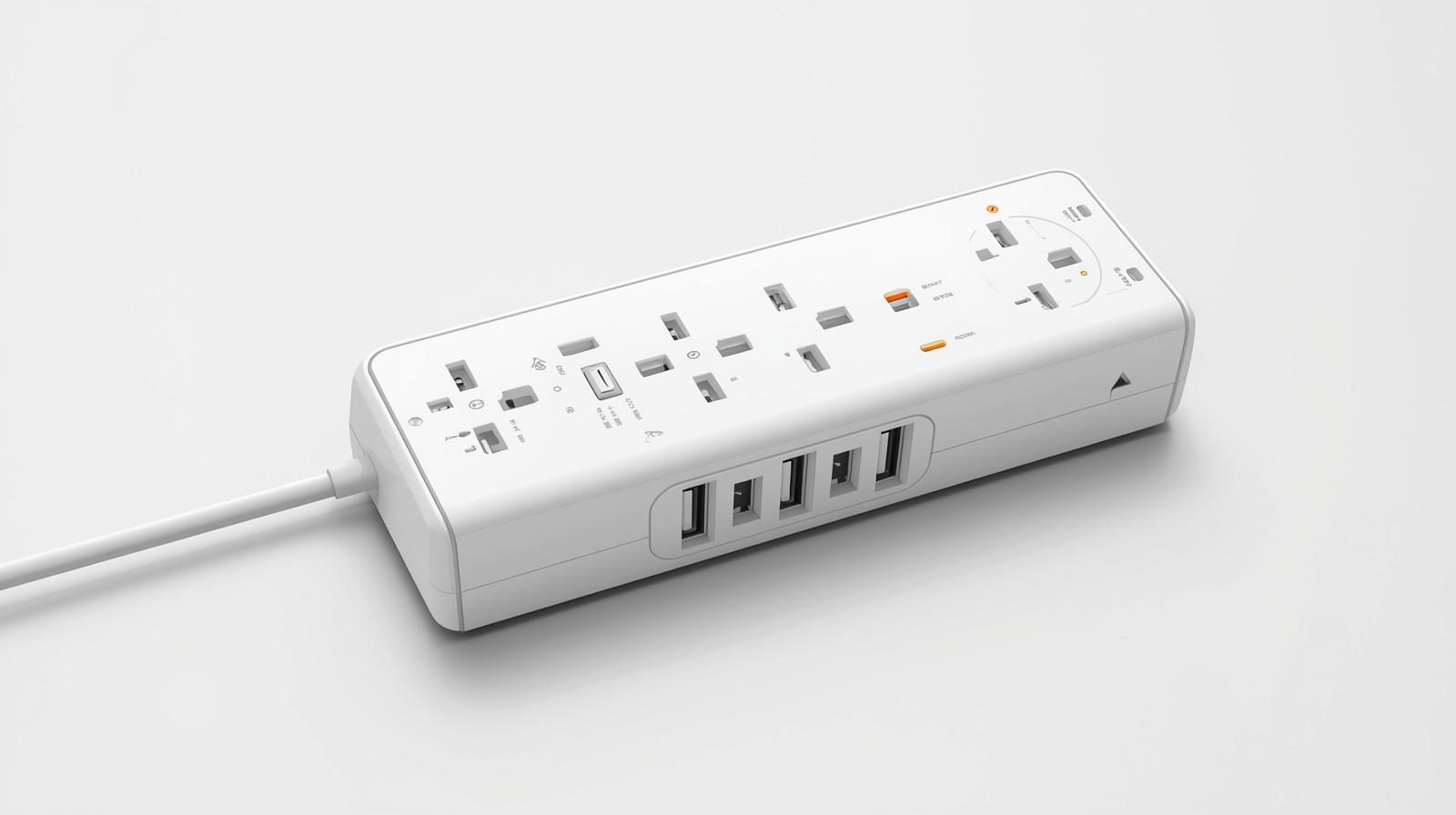
A practical guide to budget power banks and charging solutions for work from home setups in the Philippines, with three Shopee picks for reliable backup power.
Written by SulitFinds Editorial Team
We prioritize practical local context and reader-first recommendations. See how we research and review content.
Working from home means staying connected. Power outages, dead phone batteries, and tangled charging cables can disrupt your productivity. This guide covers budget-friendly power banks and charging accessories to keep your devices running throughout the workday.
Why backup power matters for WFH
Brownouts and power interruptions are common in many parts of the Philippines. When you work from home, a dead battery can mean missed meetings or lost work. Having backup power solutions helps you:
- Stay connected during outages: Keep your phone charged for calls and messages.
- Extend your work hours: Power through even when outlets are unavailable.
- Work anywhere: Move around the house or work outside.
- Reduce cable clutter: Fewer devices fighting for wall outlets.
A reliable power bank is an essential WFH investment.
What to look for in power banks
Not all power banks are created equal. Consider these factors:
- Capacity (mAh): 10000mAh can charge most phones 2-3 times. 3000mAh is good for one quick top-up.
- Output ports: Multiple ports let you charge several devices at once.
- Fast charging support: Look for 18W or higher output for quicker charging.
- Size and weight: Smaller units are easier to carry around the house or to coffee shops.
- Build quality: Durable housing protects the battery cells inside.
Match the power bank to your daily usage. Heavy phone users need higher capacity.
Useful charging accessories
Beyond power banks, these accessories improve your WFH charging setup:
- USB hubs: Connect multiple devices to one power source.
- Cable organizers: Keep cords tidy and prevent tangling.
- Quality USB-C cables: Faster charging with durable connectors.
- Desktop charging stations: Consolidate all your devices in one spot.
A well-organized charging setup reduces desk clutter and speeds up your workflow.
WFH power risk tiers
Not every work-from-home setup has the same power risk. Classify your setup first:
| Risk tier | Typical situation | Minimum setup |
|---|---|---|
| Low | Stable electricity, short meetings | 1 compact backup power bank |
| Medium | Occasional interruptions, long calls | 10000mAh main backup + spare cable |
| High | Frequent brownouts or mobile hotspot dependence | Main backup + mini reserve + organized cable kit |
When your work depends on mobile data during outages, always plan for higher risk than you think you need.
Budget power and charging picks
These picks balance price, capacity, and practicality. Prices and availability may change, so always confirm details before checkout.
Pick 1: Orashare OH10 Power Bank 10000mAh
Recommended product:
Price: Around P446
Why it fits:
- 10000mAh capacity charges most phones 2-3 times.
- Compact design fits in bags or desk drawers.
- Multiple output ports for charging phone and earbuds together.
- Reliable brand with good reviews.
Best for: All-day WFH backup power and light travel.
Pick 2: Orashare PNC03 Mini Power Bank 3000mAh
Recommended product:
Price: Around P176
Why it fits:
- Ultra-compact size fits in pockets.
- 3000mAh provides one full phone charge.
- Lightweight for moving around the house.
- Very affordable backup option.
Best for: Quick top-ups and light users who stay near outlets most of the day.
Pick 3: Hagibis Digital Storage Bag
Recommended product:
Price: Around P436
Why it fits:
- Organizes cables, chargers, and power banks in one place.
- Multiple compartments keep accessories separated.
- Protects devices during transport.
- Makes your WFH setup portable for coffee shop work.
Best for: Keeping all your charging gear organized and ready to go.
Brownout-ready 10-minute routine
When weather or local outages are expected, run this checklist before your shift:
- Fully charge your main power bank and phone.
- Keep one backup cable in a separate pocket.
- Download key files or meeting notes for offline access.
- Confirm hotspot data balance if internet backup may be needed.
- Place charging kit in one grab-and-go pouch.
This routine reduces downtime during sudden interruptions.
Desktop charging map for less clutter
A clean charging map can save time every day:
- Left side: charging station for low-priority devices (earbuds, watch).
- Center zone: laptop and primary phone cable only.
- Right side drawer: backup power bank and reserve cable.
Avoid mixing active cables with storage cables. Separate "in use now" from "for backup only" so you can troubleshoot faster when something fails.
Power bank charging tips
Get the most out of your power bank:
- Charge overnight: Keep your power bank topped up before each workday.
- Use quality cables: Cheap cables can slow charging or damage ports.
- Avoid extreme heat: Do not leave power banks in direct sunlight or hot cars.
- Discharge occasionally: Use the full charge once a month to maintain battery health.
- Check capacity indicators: Most power banks have LED lights showing remaining charge.
Replace, repair, or reorganize?
Before buying another gadget, identify the actual problem:
- Replace: battery no longer holds charge or ports are unstable.
- Repair: cable sheath is damaged but charger and device are still fine.
- Reorganize: charging works, but delays happen because items are misplaced.
Many WFH setups improve more from a layout reset than from buying extra tools.
Quick FAQ
-
Question: How many times can a 10000mAh power bank charge my phone?
Answer: It depends on your phone's battery size. A 4000mAh phone battery can be charged about 2-2.5 times, accounting for energy loss during transfer.
-
Question: Can I use my phone while it charges from a power bank?
Answer: Yes, but it will charge slower. For faster charging, let your phone rest while connected.
-
Question: How long does it take to recharge a power bank?
Answer: A 10000mAh power bank typically takes 4-6 hours with a standard charger. Fast chargers can reduce this to 2-3 hours.
-
Question: Is it safe to leave a power bank plugged in overnight?
Answer: Quality power banks have overcharge protection. However, unplugging after full charge extends battery lifespan.
Links may lead to Shopee or TikTok Shop listings. Always review seller ratings, product details, and return policies before buying. Purchases are your responsibility. See Disclaimer.